What players say
Piano Simulator Online is an excellent musical game for all ages. It is easy to use on both PC and mobile, with responsive controls. The recording feature adds extra value, letting you save your creations. A delightful way to relax and make music.
About this game
Game Introduction
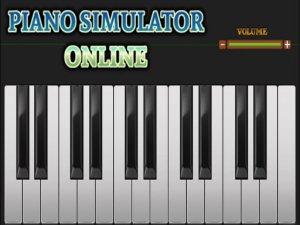
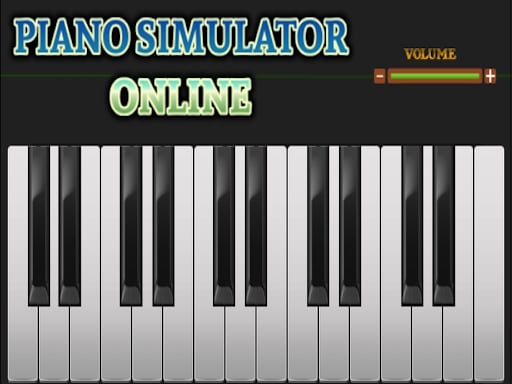
Piano Simulator Online is a free musical game that allows players to explore their creativity and love for music. It offers an intuitive and enjoyable piano-playing experience on both PC and mobile devices. The game is designed for beginners and music enthusiasts, providing a relaxing and engaging way to make music anytime, anywhere. Its unique feature includes a recording option for desktop users, enabling them to capture and download their performances.
How to Play
To start playing, choose your device. On a PC or laptop, use the keyboard letters to play different piano notes, with each key corresponding to a specific note. For mobile or tablet users, simply tap the on-screen piano keys with your fingers to produce sounds. The game is responsive and smooth on all devices. Desktop users can also record their performance by clicking the record button, and after finishing, download the recording in various formats. No downloads or installations are needed—just open your browser and start playing.
Game Features
Piano Simulator Online is free to play and offers cross-device compatibility, supporting both keyboard and touch controls. It includes a recording and download option for desktop users, allowing you to save your musical creations. The game is accessible directly from a web browser without any additional software.
Tips for Success
Practice regularly to improve your finger coordination and familiarity with the keyboard layout. Start with simple melodies and gradually try more complex pieces. Use the recording feature to review your performances and identify areas for improvement. Experiment with different note combinations to create your own unique tunes. The more you play, the more comfortable you will become with the controls.