What players say
Magic Finger 3D combines simple controls with deep strategy as you use objects to defeat aliens. The escalating difficulty and variety of enemies keep each level fresh. Replayability is high due to multiple ways to clear levels. A solid choice for casual gamers.
About this game
Game Introduction
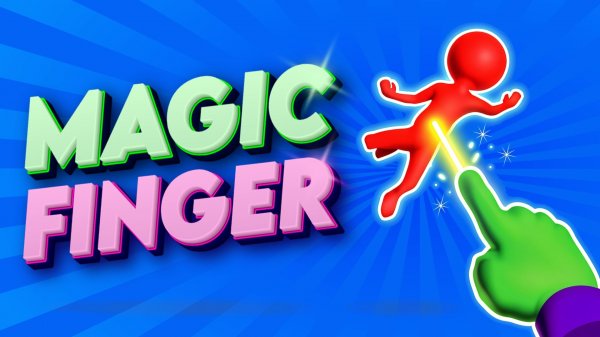
Magic Finger 3D is a casual physics-based action game where you use magical powers to defend against alien invaders. The core objective is to clear each round by using your magic touch to manipulate objects and enemies. What makes it unique is the creative use of physics—you can pick up objects, throw enemies at each other, and interact with the environment in various ways. The game starts simple and gradually introduces new challenges, keeping the experience fresh and engaging.
How to Play
Players control a magic finger that can interact with objects and enemies on the screen. The basic gameplay involves flicking, throwing, or using objects to remove aliens from the playing field. Early rounds are straightforward with a single alien, but later rounds introduce multiple enemies that may hide or move around. As you progress, you'll encounter new obstacles and enemies that require different strategies. The game typically uses simple touch or mouse controls, making it accessible for quick play sessions.
Game Features
Magic Finger 3D includes fun physics mechanics that allow for creative combat. Players can pick up and manipulate various objects in the environment. The game features escalating difficulty across many levels, with each round introducing new elements. Some levels may include unique enemies such as flying units or larger foes that require multiple hits. Water-based environments add variety to the gameplay. As you advance, your magic power grows, enabling new strategies and approaches.
Tips for Success
To succeed in Magic Finger 3D, practice using the environment to your advantage. Learn how different objects behave when thrown or used as weapons. Prioritize dangerous enemies first, especially those that can attack from a distance. Experiment with different tactics—sometimes throwing an enemy into another is more effective than flicking them off the edge. As your magic power increases, try new creative methods to clear rounds. Regular practice will help you adapt to the increasing difficulty and new enemy types.